I like to think I’m a decent multitasker, but ask me to speak on a Zoom call while simultaneously figuring out how to navigate the screenshare UI and you’ll see my brain shatter into a zillion monkey bits. I'll get it working eventually, but not without reciting the rite of passage. The three long, drawn out words we’ve all said in the exact same manner when placed in the exact same situation:
…let me just... shaaaare my screeeen.
Slow, methodical, stalling, mandatory. Frozen vowels, every single time, like the phrase itself needs a loading bar, like the brain chose to defrag at its spotlight moment. You've said it. I've said it. Your product manager has definitely said it. At this point, it's a kind of micro-ritual of remote work that we didn’t choose. It chose us.
So, I named a new screen recording app after it. And the story of how the app itself came together is, I think, a sign of where software development is headed.
Hello, World
In 1978, Brian Kernighan published a little tiny C tutorial that opened with eight lines of code. The program printed two words to the screen and that was it. Sick. Hello World became the way a developer would dap up a new language, the first proof that you could make the machine do something, anything, on purpose. You are the captain now.
For decades, that was the rite of passage. You install the toolchain, write the program, and see the output. Congrats, you're a senior programmer now. The whole point was to strip away everything except the most fundamental loop: write code, run code, see result.
And then at some point, as mankind does, we pushed for more.
The to-do app era
Once you could print to the screen, the next question was always "okay, but can I build something real?" And for a long time, the answer to that question was yes. Yes, you can. Yes, you will. You will build a to-do list.
It had everything you needed to learn. State management, user input, persistence, rendering a list, updating items, deleting them. CRUD in its purest form. Every framework tutorial, "getting started" guide, and weekend side project that never made it past Sunday afternoon all converged on the same lil app.
The to-do list worked because the scope was complex enough to teach you something meaningful, but simple enough that you could actually finish it. You didn't need to understand the domain because everybody already knew what a to-do list was supposed to do. If it worked, you knew it worked. If it didn't, you knew that too. Did it help you turn to-dos into to-dones? Cool. It’s working.
I built lots of them in my day. React, Vue, Angular (though I probably abandoned that one halfway through because, well… Angular). Each one taught me the basics of a new tool by solving a problem I'd already solved umpteen times before.
Then the bottom dropped out
Now something from the Twilight Zone has happened: you don't really need to learn the language anymore to build an app.
TF? I know that sounds dramatic, but let’s think about what the to-do app was actually meant for: could you wrangle the syntax, understand the framework's opinions, wire up the data flow, get the CSS to not look terrible? Great. The to-do app was a typing test wearing a programming exercise Halloween costume.
LLMs removed the typing test. Claude writes the Swift, the React, the state management, the API integration, the persistence layer, and the CSS that doesn't look terrible (well… depending on who you ask). The thing that used to take a weekend now takes an hour or two, and the skill shifted from "can I implement this" to "can I describe what I want clearly enough."
So now that you can build anything, it’s high time to recalibrate your ambition. You don't reach for the to-do app anymore because the to-do app doesn't prove anything. It's Hello World all over again, something you already know works, going through the motions to confirm that yes, the toolchain is set up correctly.
What's the new to-do app? What's the project that's complex enough to be meaningful but tractable enough to actually ship?
TODO: build a screen recorder
It’s wild that now we can sit down at the laptop and instead of following a tutorial or building a demo app, we can just go ahead and build something we’d actually use. Personal software tools that you’ve always wanted but could never scratch away the time to build. Workflow enhancements, screen recorders, markdown editors, personal CRMs, local-first note apps, CLI tools that interact with the local grocery store’s internal APIs so you never have to step inside the ADHDers worst nightmare again.
These are the new to-do apps. Projects that would have taken weeks or months of solo development now land in a few focused sessions. The complexity ceiling went up because the floor dropped out.
I wanted to build one of these—not as a product or something we'd charge for, but as a kind of open source tool that shows what Mux infrastructure can do when you wire it into a real application.
Everyone records their screen, whether it’s for bug reports or async walkthroughs or demo videos, PR reviews that are easier to show than describe. And they’re either paying for a SaaS tool that does way more than they need or charges too much, or uses the built-in macOS screen recorder and then fumbles through uploading the file somewhere shareable.
So Claude and I built the thing, described what I wanted, and started iterating. The result is Shaaaare My Screeeen, a native macOS screen recorder that lives in your menu bar, records your screen with an optional camera overlay, captures system audio and your mic, and uploads directly to Mux. You get a shareable link in seconds. The whole app is open source, written in Swift, and weighs in at around 2,000 lines of code.
A fully functional screen recorder with picture-in-picture camera compositing, system audio capture, microphone input, a review screen with playback, direct upload with progress tracking, auto-generated captions, AI-powered video summaries, a searchable recording library, an MCP server for Claude Code integration, and auto-updates.
When you hit stop, the recording gets uploaded to Mux through a direct upload URL. From there, Mux transcodes it into adaptive bitrate HLS, generates thumbnails, extracts captions, and serves it through Mux’s global CDN. You don’t need to worry about any of that, though. You’ll just get a playback url when your video is ready to share.
The recording that describes itself
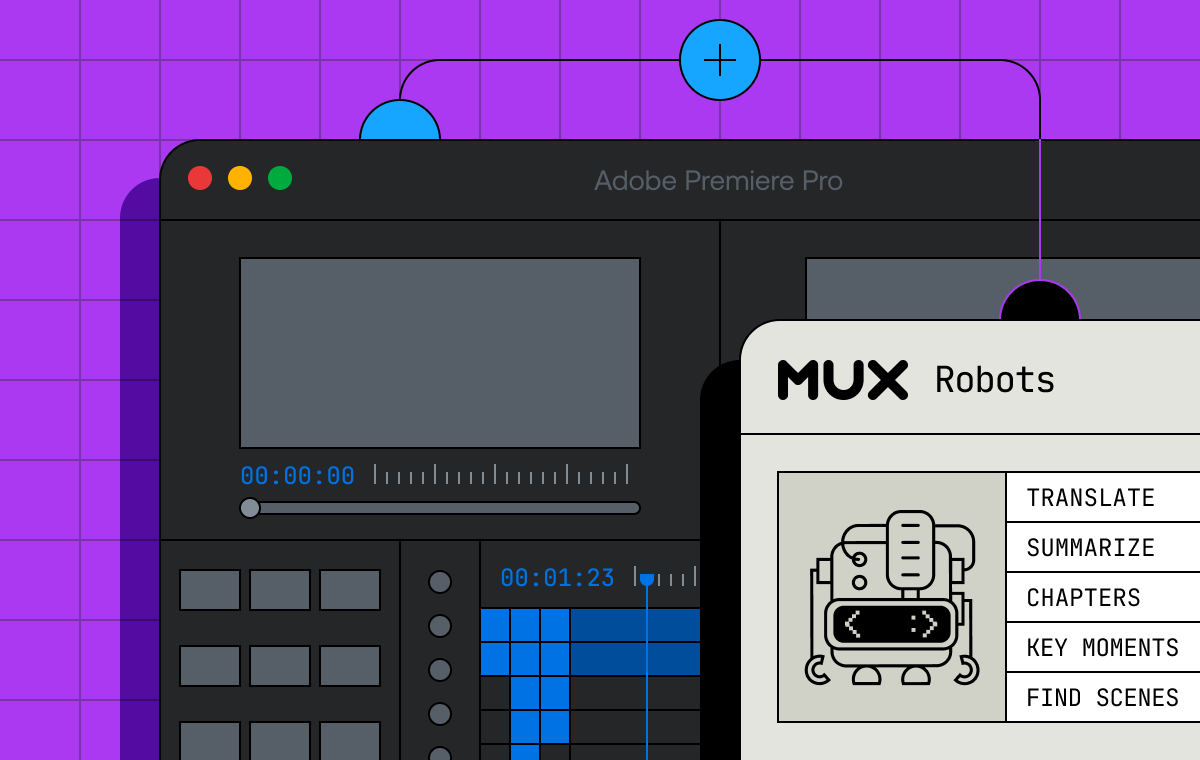
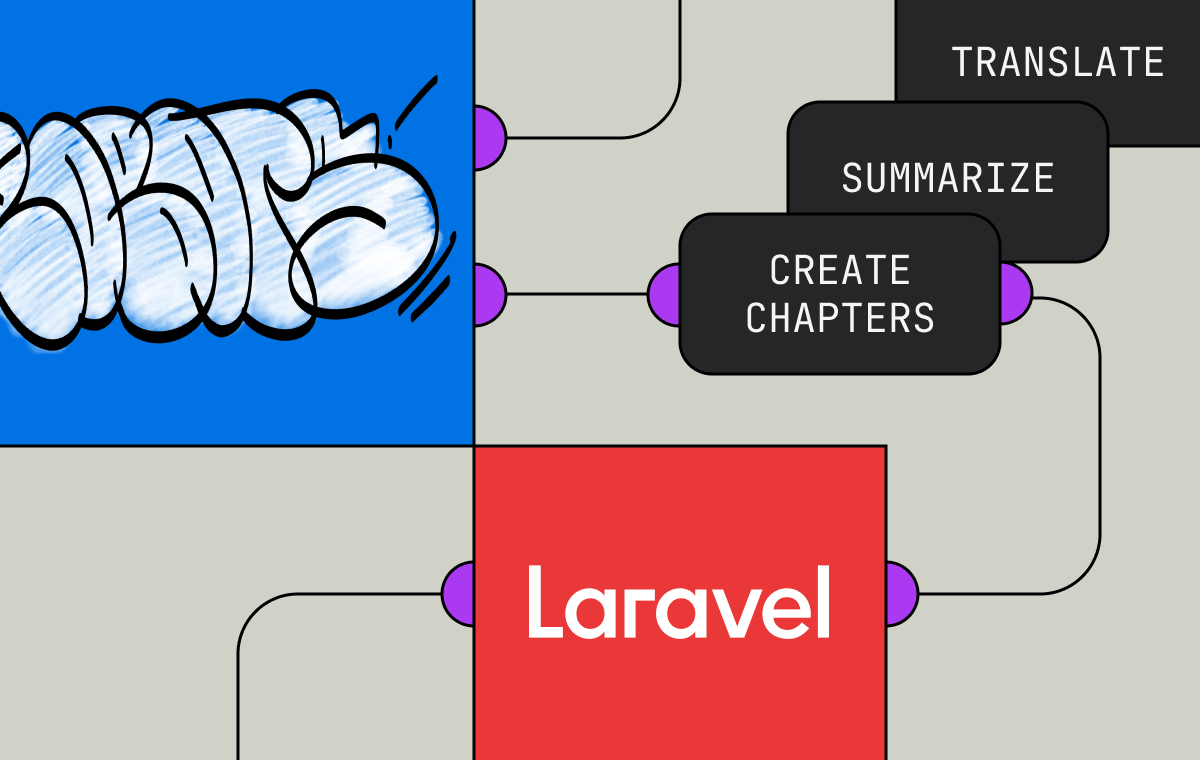
After a recording uploads and the asset is ready, the app kicks off a background job using the Mux Robots API. It waits for auto-generated captions to finish, since the transcript makes for a much better summary, then sends the asset to the summarization endpoint. A few seconds later, Robots returns a title, a description, and a set of tags, all generated from the actual content of the recording.
So instead of a folder full of files named Screen Recording 2026-04-02 at 3.47.12 PM.mov, you get a searchable list with accurate titles like "Walkthrough of the new dashboard filtering" and descriptions that describe what actually happened. The summary generation happens entirely in the background.
This is the part that feels like the future to me. The video... knows what it contains. It can describe itself. The metadata emerges from the content automatically. Creeeeepy but also cool.
"Find my recording from this morning"
The app ships with a built-in MCP server, a standalone binary that speaks the Model Context Protocol over stdio. If you use Claude Code, you can register it as a tool provider, and then Claude can search and retrieve your recordings directly.
Set it up from the app's settings screen, or with a single CLI command:
claude mcp add shaaaare-my-screeeen -- /path/to/ShaaaareMyScreeeen.app/Contents/MacOS/shaaaare-mcpOnce it's connected, you might say things like "find my recording from this morning and create a GitHub issue with the playback link in the description" and Claude handles the lookup, grabs the URL, and files the issue. It turns your recording library from a passive archive into something an AI assistant can use on your behalf.
This feature just kinda emerged talking with my colleague Darius during development as one of those "why wouldn't you?" tasks, the kind of thing that used to get cut from the scope but now takes a prompt to add.
Put a fork in it
This app is open source because the app isn't the business. Mux is a video infrastructure company. We care that your recordings upload reliably, transcode quickly, play back smoothly, and deliver globally without buffering. The app sitting on top of that infrastructure could be anything, and that's exactly what we want. I want to invest more in examples that provide value to you but perform reliably at scale.
If you need an internal screen recording tool for your company, clone it and rebrand it. If you want to build a video bug reporter, strip out the parts you don't need and add what you do. If you want to learn how to wire up ScreenCaptureKit, AVFoundation, direct uploads, the Robots API, or an MCP server, the code is all there for ya.
The new rite of passage
Hello World proved you could talk to the machine. The to-do app proved you could build something real and knew what you were doing. Maybe the next iteration is to prove you can ship something useful with an LLM, describe a complex native application in a language you’ve never learned, and have it exist by the end of the week. For me, it’s this:
git clone https://github.com/muxinc/shaaaare-my-screeeen.git
cd shaaaare-my-screeeen
./run.sh
You'll need macOS 14 or later, Swift 5.10+, and a Mux account. The first launch asks for the usual permissions, you enter your Mux API token in settings, and you're off to the races.